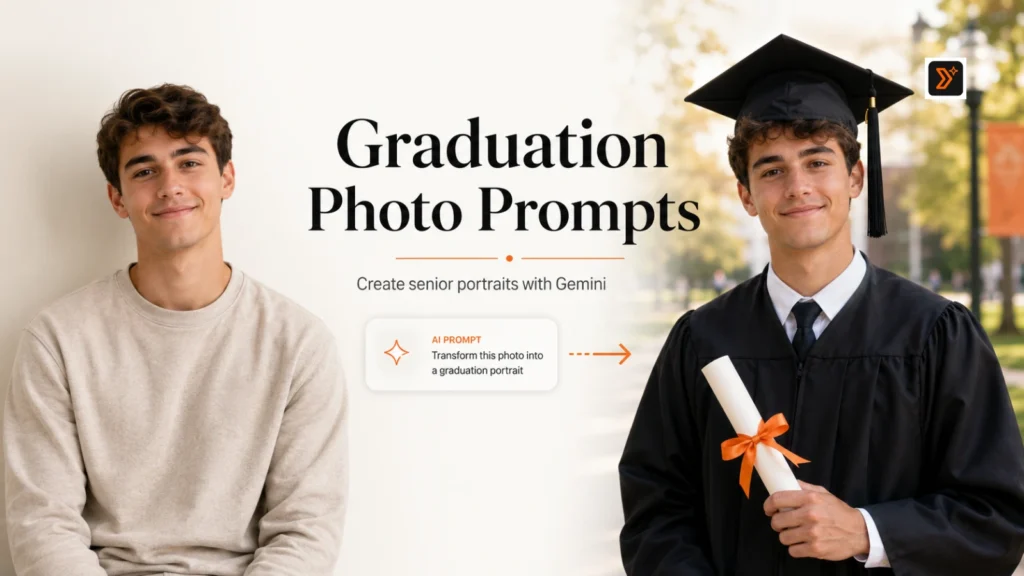
Graduation photos are not just normal pictures.
They capture a big life moment: finishing school, starting a new chapter, celebrating with family, and creating memories that people want to keep and share.
With Gemini, you can upload a graduation photo, senior portrait, or regular photo and use the right prompt to create a better graduation-style image. Gemini can generate and edit images from uploaded photos, and its image tools support character consistency, local edits, better instruction following, and high-quality outputs.
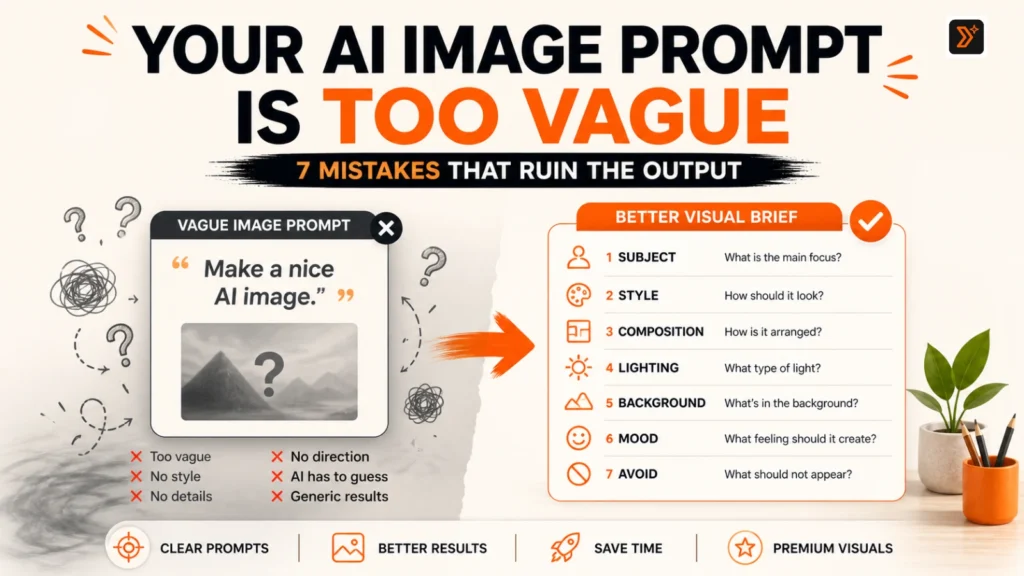
A weak prompt like “make this a graduation photo” may create a generic or unrealistic result.
A better prompt tells Gemini what kind of graduation image you want: cap and gown, campus portrait, senior picture, family photo, announcement photo, LinkedIn headshot, or social media post.
Below are 15 copy-paste Gemini prompts you can use for graduation photos and senior portraits. You can also explore more ready-to-use ideas from our prompt libraries or create your own with our prompt generators.
Before You Use These Gemini Prompts
Before using these prompts, upload a clear photo where the face is visible.
For better results:
- Use a high-quality portrait, half-body, or full-body photo
- Choose a photo with good lighting
- Mention whether you want a high school, college, or university graduation look
- Tell Gemini to preserve the face, pose, body proportions, and natural expression
- Mention cap, gown, stole, diploma, campus, family, or announcement style if needed
- Keep the final image realistic and respectful
- Avoid asking for too many changes at once
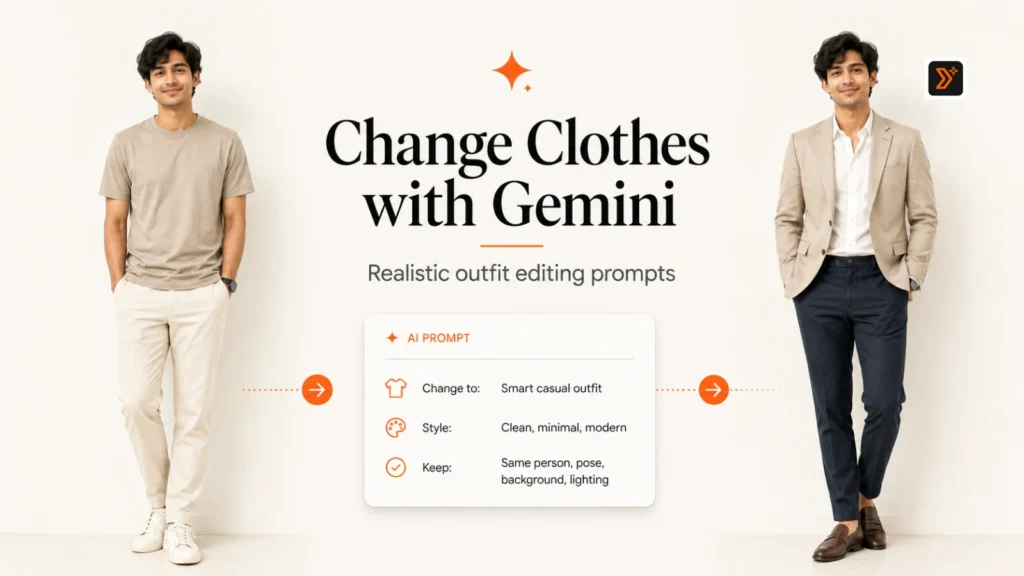
If you want Gemini to change the outfit into a cap and gown, you can also read our guide on Gemini prompts to change clothes in a photo.
If you want to create a detailed image prompt from scratch, use the AI image prompt generator.
If your prompt feels too simple, improve it with the Prompt Enhancer.
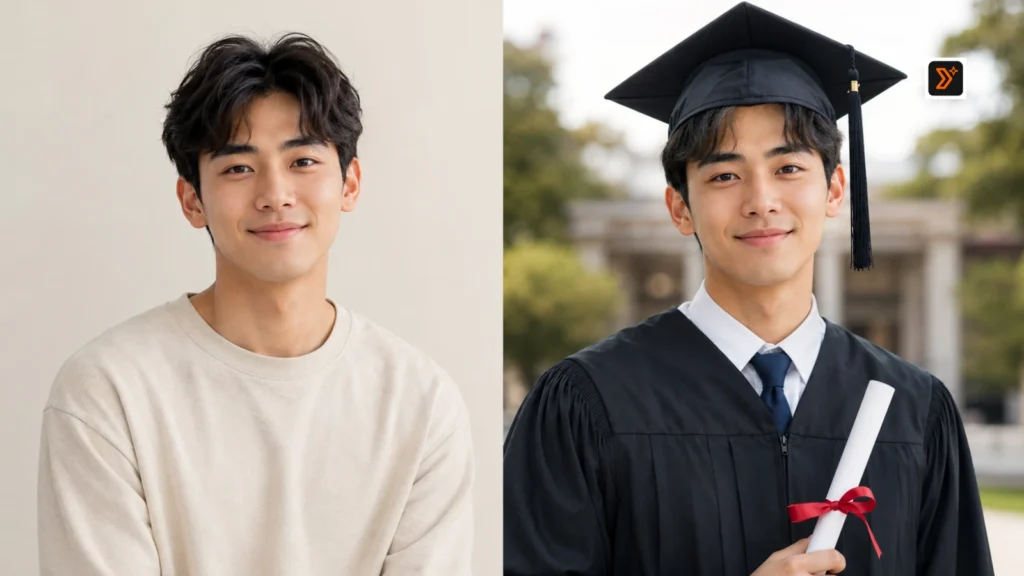
Simple Prompt Formula for Graduation Photos
Use this formula when writing your own prompt:
Uploaded photo + graduation style + face preservation + outfit details + background + emotion + lighting + realism + what to avoid.
Example:
Using the uploaded photo as the reference, create a realistic graduation portrait. Preserve the person’s facial identity, pose, body proportions, and natural expression. Add a graduation cap and gown with a clean stole and diploma. Use a soft campus background with warm natural lighting. Keep the image polished, realistic, and suitable for a graduation announcement. Avoid cartoon style, distorted face, unrealistic hands, or fake-looking background.
15 Best Gemini Prompts for Graduation Photos and Senior Portraits
1. Graduation Cap and Gown Portrait Prompt
Best for: Classic graduation portrait
Prompt:
Using the uploaded photo as the reference, create a realistic graduation cap and gown portrait. Preserve the person’s facial identity, pose, body proportions, hairstyle, and natural expression. Add a clean graduation cap, gown, stole, and diploma. Use soft natural lighting and a simple campus-inspired background. Keep the result polished, realistic, and suitable for a graduation photo.
2. Senior Portrait Prompt
Best for: High school senior photos
Prompt:
Using the uploaded photo as the reference, create a realistic senior portrait for a high school graduate. Preserve the face, expression, pose, and body proportions. Use a clean outdoor background with soft golden-hour lighting, natural colors, and a confident but relaxed expression. Keep the photo stylish, age-appropriate, and suitable for a senior picture.
3. College Graduation Photo Prompt
Best for: University graduation look
Prompt:
Using the uploaded photo as the reference, create a polished college graduation photo. Preserve the person’s facial identity, pose, and body proportions. Add a realistic graduation cap and gown, a subtle university campus background, and warm natural lighting. Make the image feel proud, professional, and celebration-ready without looking artificial.
4. High School Graduation Photo Prompt
Best for: Class of 2026 style image
Prompt:
Using the uploaded photo as the reference, create a realistic high school graduation photo. Preserve the face, hairstyle, expression, and pose. Add a graduation cap and gown with a simple diploma or stole. Use a school campus or outdoor background with bright natural lighting. Keep the image clean, youthful, respectful, and suitable for a senior year memory.
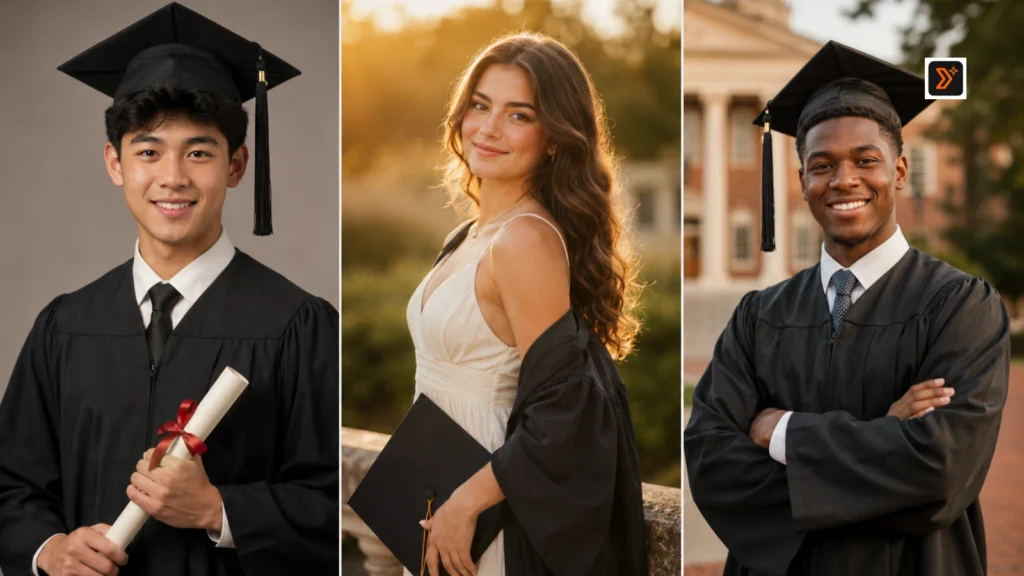
5. Graduation Family Photo Prompt
Best for: Family memory-style image
Prompt:
Using the uploaded photo as the reference, create a warm graduation family photo concept. Preserve the graduate’s facial identity, expression, pose, and body proportions. Add a realistic graduation cap and gown and create a soft family-celebration atmosphere. Keep the background natural, warm, and respectful. Avoid adding unclear or distorted extra faces unless reference family photos are provided.
6. Graduation Campus Portrait Prompt
Best for: Outdoor campus photo
Prompt:
Using the uploaded photo as the reference, create a realistic graduation campus portrait. Preserve the face, body proportions, pose, and natural expression. Add a graduation outfit with cap and gown and place the person in a clean campus setting with trees, steps, or academic buildings in the background. Use warm daylight and a proud, natural mood.
7. Graduation Announcement Photo Prompt
Best for: Announcement card or social post
Prompt:
Using the uploaded photo as the reference, create a polished graduation announcement-style image. Preserve the person’s facial identity, pose, and expression. Add a graduation cap and gown, soft neutral background, clean lighting, and enough open space around the subject for text to be added later. Keep the photo realistic, elegant, and suitable for a graduation announcement.
8. Graduation Party Photo Prompt
Best for: Celebration photo edit
Prompt:
Using the uploaded photo as the reference, create a realistic graduation party photo. Preserve the face, pose, body proportions, and natural expression. Add graduation-themed celebration details such as soft balloons, warm lights, subtle decorations, and a joyful but tasteful party atmosphere. Keep the image realistic and not overly crowded.
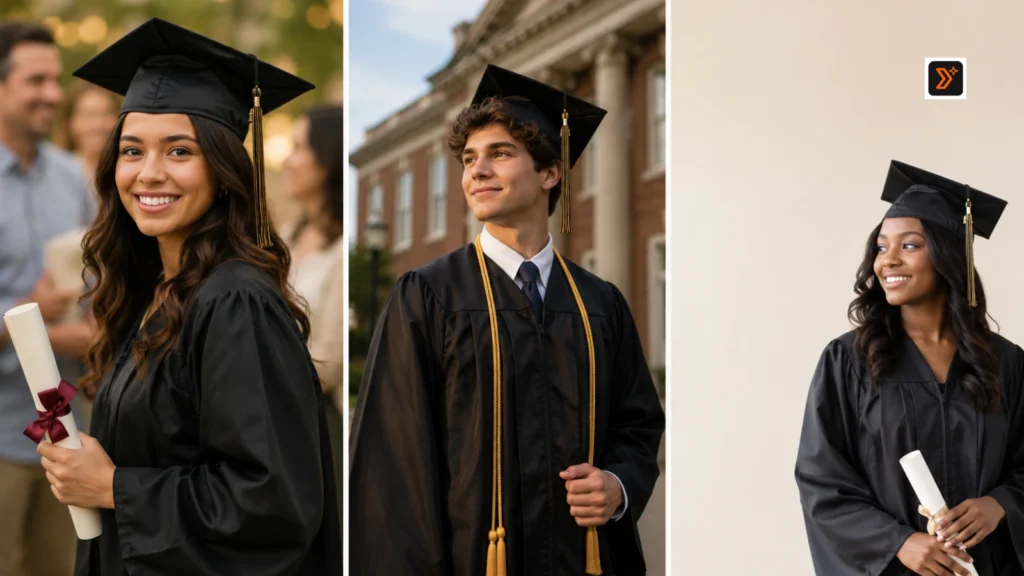
9. Cinematic Graduation Portrait Prompt
Best for: Premium emotional portrait
Prompt:
Using the uploaded photo as the reference, create a cinematic graduation portrait. Preserve the person’s face, pose, body proportions, and natural expression. Add a graduation cap and gown with soft golden-hour lighting, shallow depth of field, and an emotional achievement-focused mood. Keep the image realistic, polished, and visually memorable without looking fake.
10. Outdoor Graduation Photo Prompt
Best for: Park or campus outdoor shot
Prompt:
Using the uploaded photo as the reference, create a realistic outdoor graduation photo. Preserve the person’s facial identity, body proportions, pose, and expression. Add a graduation cap and gown and place the person in a bright outdoor setting such as a campus lawn, garden, or walkway. Use natural daylight, clean composition, and a proud graduation mood.
11. Studio Graduation Portrait Prompt
Best for: Clean formal portrait
Prompt:
Using the uploaded photo as the reference, create a clean studio-style graduation portrait. Preserve the face, hairstyle, expression, body proportions, and pose. Add a graduation cap and gown with a simple neutral background, soft studio lighting, and polished portrait quality. Keep the result realistic, professional, and suitable for printing.
12. Graduation LinkedIn Headshot Prompt
Best for: New graduate profile photo
Prompt:
Using the uploaded photo as the reference, create a professional graduation LinkedIn-style headshot. Preserve the face, expression, hairstyle, and natural identity. Use a clean professional outfit or subtle graduation look, soft neutral background, and polished lighting. Make the photo suitable for a new graduate profile, internship application, or first job search.
13. Graduation Memory Photo Prompt
Best for: Emotional achievement moment
Prompt:
Using the uploaded photo as the reference, create a warm graduation memory photo. Preserve the person’s facial identity, pose, body proportions, and expression. Add subtle graduation elements such as cap, gown, diploma, campus background, and warm natural lighting. Make the image feel emotional, proud, and realistic, like a meaningful life milestone.
14. Graduation Outfit Upgrade Prompt
Best for: Improving outfit or styling
Prompt:
Using the uploaded photo as the reference, upgrade the person’s outfit into a polished graduation-ready look. Preserve the face, pose, body proportions, hairstyle, and background lighting. Add a realistic cap and gown or a refined outfit suitable for a graduation ceremony. Keep the outfit natural, well-fitted, and realistic. Avoid changing the person’s identity or body shape.
15. Graduation Social Media Photo Prompt
Best for: Instagram, Facebook, or announcement post
Prompt:
Using the uploaded photo as the reference, create a graduation social media photo. Preserve the face, pose, body proportions, and natural expression. Add a polished cap and gown look, clean background, soft lighting, and a confident graduation mood. Keep the image visually clear, mobile-friendly, and suitable for Instagram, Facebook, or a graduation announcement post.
How to Get Better Graduation Photo Results in Gemini
To get better results, avoid vague prompts.
Instead of saying:
“Make this a graduation photo.”
Say exactly what you want:
- Cap and gown portrait
- Senior portrait
- College graduation photo
- High school graduation photo
- Campus background
- Family graduation memory
- Graduation announcement style
- LinkedIn headshot for new graduate
- Social media graduation photo
Also mention what should stay unchanged.
Useful lines include:
- Preserve the person’s facial identity
- Keep the pose unchanged
- Keep body proportions realistic
- Keep the expression natural
- Add only graduation-related elements
- Keep the background realistic
- Avoid fake-looking campus buildings
- Avoid distorted hands or diploma
- Avoid changing the person’s face
If your AI images often look fake or generic, read our guide on why AI image prompts give bad results.
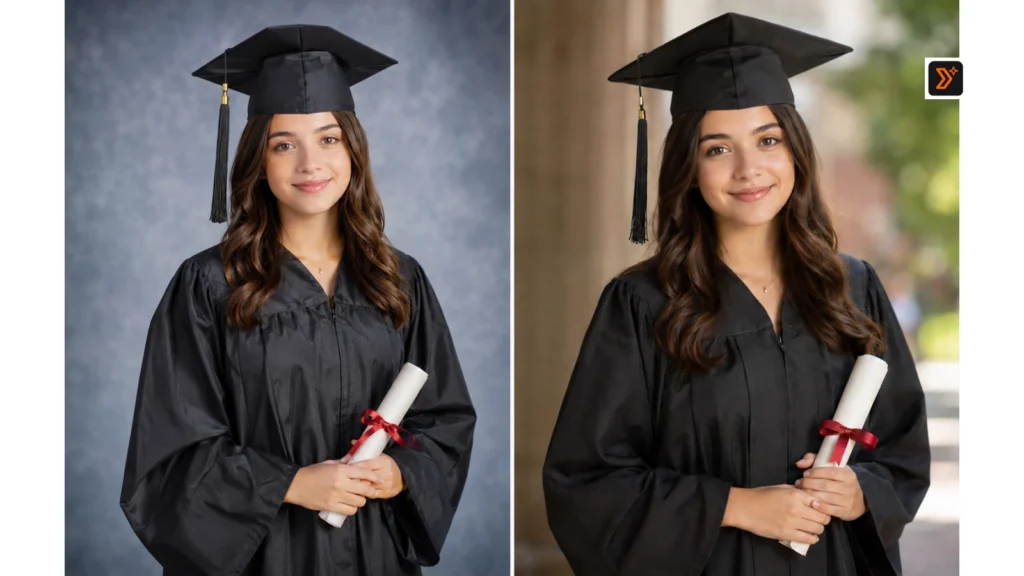
Common Mistakes to Avoid
Avoid these mistakes when creating graduation photos with Gemini:
- Using only one-line prompts
- Not mentioning cap and gown details
- Not asking Gemini to preserve the face
- Not specifying high school, college, or university style
- Adding too many decorations
- Using fake-looking campus backgrounds
- Ignoring lighting and photo realism
- Not leaving space for announcement text
- Using someone else’s photo without permission
A strong graduation photo prompt should feel clear, personal, realistic, and milestone-focused.
Related AI Image Prompt Pages
You may also find these useful:
- Gemini Prompts to Change Clothes in a Photo
- AI Image Prompt Generator
- AI Image Prompts
- AI Image Prompts for Social Media
- Art Prompt Generator
- Prompt Enhancer
- Prompt Libraries
- Why AI Image Prompts Give Bad Results
Create Better Prompts with PromptToolsStudio
Want to create your own graduation photo prompt?
Start with our prompt generators:
https://prompttoolsstudio.com/prompt-generators/
Then explore more ready-to-use prompt ideas in our prompt libraries:
https://prompttoolsstudio.com/prompt-libraries/
For custom prompt ideas and practical AI use cases, follow Mayank Singh Rajput on LinkedIn.
FAQs
Can Gemini create graduation photos from my picture?
Yes. Gemini can work with uploaded images and edit or generate new images based on your prompt. The result depends on your photo quality and how clearly you describe the graduation style you want.
What should I mention in a graduation photo prompt?
Mention the graduation style, cap and gown, school or college setting, face preservation, pose, lighting, background, and realism level.
Can I use these prompts for senior portraits?
Yes. You can use the senior portrait prompts for high school graduation photos, outdoor portraits, campus-style photos, and announcement images.
How do I make the graduation photo look realistic?
Use a clear photo, mention cap and gown details, ask Gemini to preserve the face and pose, and avoid adding too many decorations or fake-looking background elements.
Can Gemini add a cap and gown to my photo?
Yes. You can ask Gemini to add a graduation cap and gown while preserving your face, pose, body proportions, and natural expression.
Should I upload someone else’s graduation photo?
Use your own photo or a photo you have permission to edit. Do not upload or transform someone else’s face without consent.
Create Better AI Image Prompts
Use our prompt generators to create custom prompts, or explore prompt libraries for ready-to-use ideas.